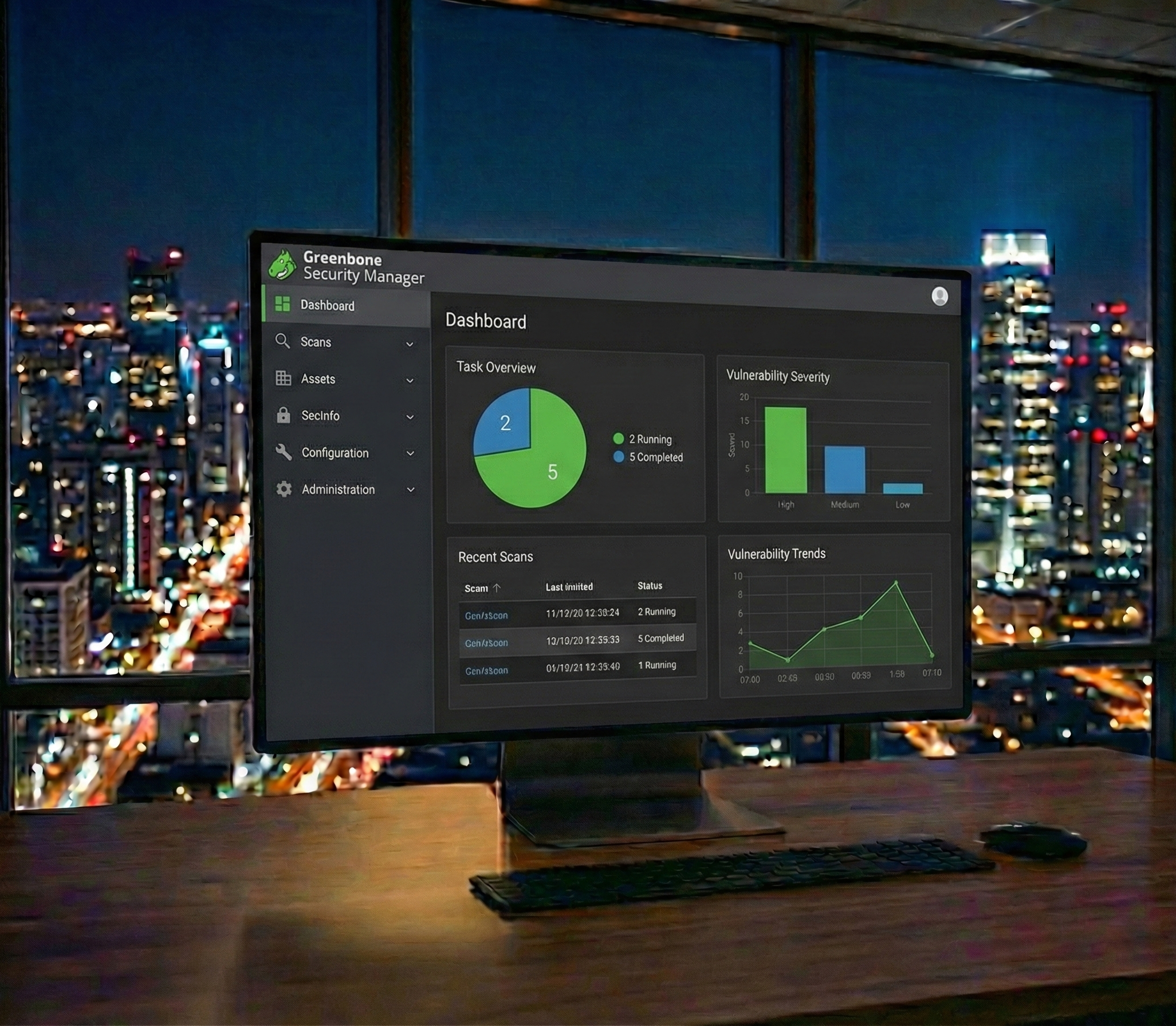
OpenVAS Vulnerability Scanner Dashboard
OpenVAS + ThinSky
Know Your Vulnerabilities Before Attackers Do

Your Team Ships Code. We Find the Vulnerabilities.

Stop struggling with OpenVAS installation and configuration. Get enterprise-grade vulnerability scanning running in 15 minutes with expert analysis and remediation guidance.

95K+
Vulnerability Tests
80%
Less Than Qualys
Unlimited
Scans Included
See Your Savings

Installing OpenVAS? We Know the Frustration.

Real feedback from administrators attempting DIY OpenVAS installation:

"OpenVAS installation on Ubuntu was a nightmare. Dependencies breaking, database sync taking forever, and the web UI wouldn't load..."

- Reddit r/netsec

"Spent a week getting GVM to work. NVT sync alone took 2 days. Then scans kept timing out on large networks."

- Greenbone Community Forums

The Real Cost of DIY OpenVAS

20+
Hours to Install
48
Hours NVT Sync
8+
Hours/Month Maintenance
$18K
Hidden Annual Cost*

*Based on $150/hour security engineer rate for installation and ongoing maintenance

Why Pay Per-IP When You Can Scan Unlimited?

Commercial vulnerability scanners charge per IP. With managed OpenVAS, scan everything for one flat rate.

$45K+
Qualys Annual Cost

For 500 IPs with quarterly scanning

$35K+
Tenable Annual Cost

For 500 assets with standard features

80%
Your Savings

Unlimited IPs, unlimited scans, expert analysis

Commercial vs Managed OpenVAS

Commercial Scanners (Qualys/Tenable)

  • Per-IP pricing adds up fast
  • Extra charges for more frequent scans
  • Premium features locked behind tiers
  • Multi-year contracts required

ThinSky Managed OpenVAS

  • Unlimited IPs, one flat rate
  • Scan as often as you need
  • All features included
  • Month-to-month flexibility

Three Paths Forward

Path A: DIY Installation

  • 20+ hours installation time
  • 48-hour NVT database sync
  • Complex dependency management
  • You interpret the results
  • Manual feed updates required
View Installation Guide
RECOMMENDED

Path B: ThinSky Managed

  • Scanning in 15 minutes
  • Expert analysis of findings
  • Remediation guidance included
  • Prioritized vulnerability reports
  • 80% less than commercial tools
OWN YOUR INFRASTRUCTURE

Path C: Provision & Monitor

  • Full infrastructure ownership
  • Standalone account transferred to you
  • 24/7 SOC monitoring included
  • Break/fix support
  • Compliance-ready deployment
Learn About Provision & Monitor

OpenVAS Installation Guide

If you prefer DIY, here's what you need to know about installing OpenVAS/GVM

System Requirements

  • CPU: 4 cores minimum (8+ recommended for large scans)
  • RAM: 8GB minimum (16GB+ recommended)
  • Storage: 80GB+ SSD (NVT database is large)
  • OS: Kali Linux, Debian 11/12, Ubuntu 22.04

Installation Components

GVM Daemon (gvmd)

Central management daemon that coordinates scanning and stores results.

OpenVAS Scanner

The actual vulnerability scanner engine that performs the tests.

GSA (Greenbone Security Assistant)

Web-based user interface for managing scans and viewing reports.

NVT Feed

Network Vulnerability Test database with 95,000+ vulnerability checks.

Common Installation Errors

NVT Sync Failures

Feed sync can take 24-48 hours and often times out or corrupts.

PostgreSQL Issues

Database configuration problems are the #2 cause of failed installations.

GSA Not Loading

Web interface certificate and permission issues are common.

Scan Performance

Default configurations often cause scans to hang on large networks.

Skip the Complexity

Our engineers can have OpenVAS scanning your network in 15 minutes with expert analysis included.

ThinSky Managed OpenVAS Service

Enterprise-grade vulnerability scanning without the operational headaches

95,000+ Tests

Comprehensive vulnerability coverage

Expert Analysis

Human-reviewed findings with context

Trend Tracking

Track remediation progress over time

What's Included

  • Unlimited IP scanning
  • Weekly or monthly scan schedules
  • Authenticated scanning support
  • Custom scan policies
  • Prioritized vulnerability reports
  • Remediation guidance
  • Compliance reporting (PCI, SOC 2)
  • Dedicated security analyst

Free assessment includes: Vulnerability scanning audit and proof-of-concept deployment

Frequently Asked Questions

How does OpenVAS compare to Qualys or Nessus?

OpenVAS provides comparable vulnerability detection with 95,000+ tests. The main difference is licensing - OpenVAS is open source, allowing unlimited scanning without per-IP fees.

What is the difference between OpenVAS and Greenbone?

OpenVAS is the open-source vulnerability scanner. Greenbone Vulnerability Management (GVM) is the full framework that includes OpenVAS. Greenbone also offers commercial enterprise products.

Can I scan cloud infrastructure with OpenVAS?

Yes, OpenVAS can scan AWS, Azure, and GCP instances. Our managed service includes authenticated scanning for comprehensive cloud vulnerability assessment.

Do you provide compliance reports?

Yes, our managed service includes PCI-DSS, SOC 2, and ISO 27001 vulnerability assessment reports formatted for auditor requirements.

Know Your Vulnerabilities Before Attackers Do

Get enterprise-grade vulnerability scanning running in 15 minutes. Unlimited IPs, expert analysis, and remediation guidance - all at 80% less than commercial alternatives.

Free assessment includes: Network discovery scan, vulnerability prioritization, and remediation roadmap